Littlebird uploads to AWS.
EvaMind keeps it on your disk.
Littlebird's own privacy page says it stores your recordings in the cloud and admits it "might not be the right fit" if you need local-only. EvaMind writes screen, audio, and transcripts to your Mac — and never sends them anywhere.
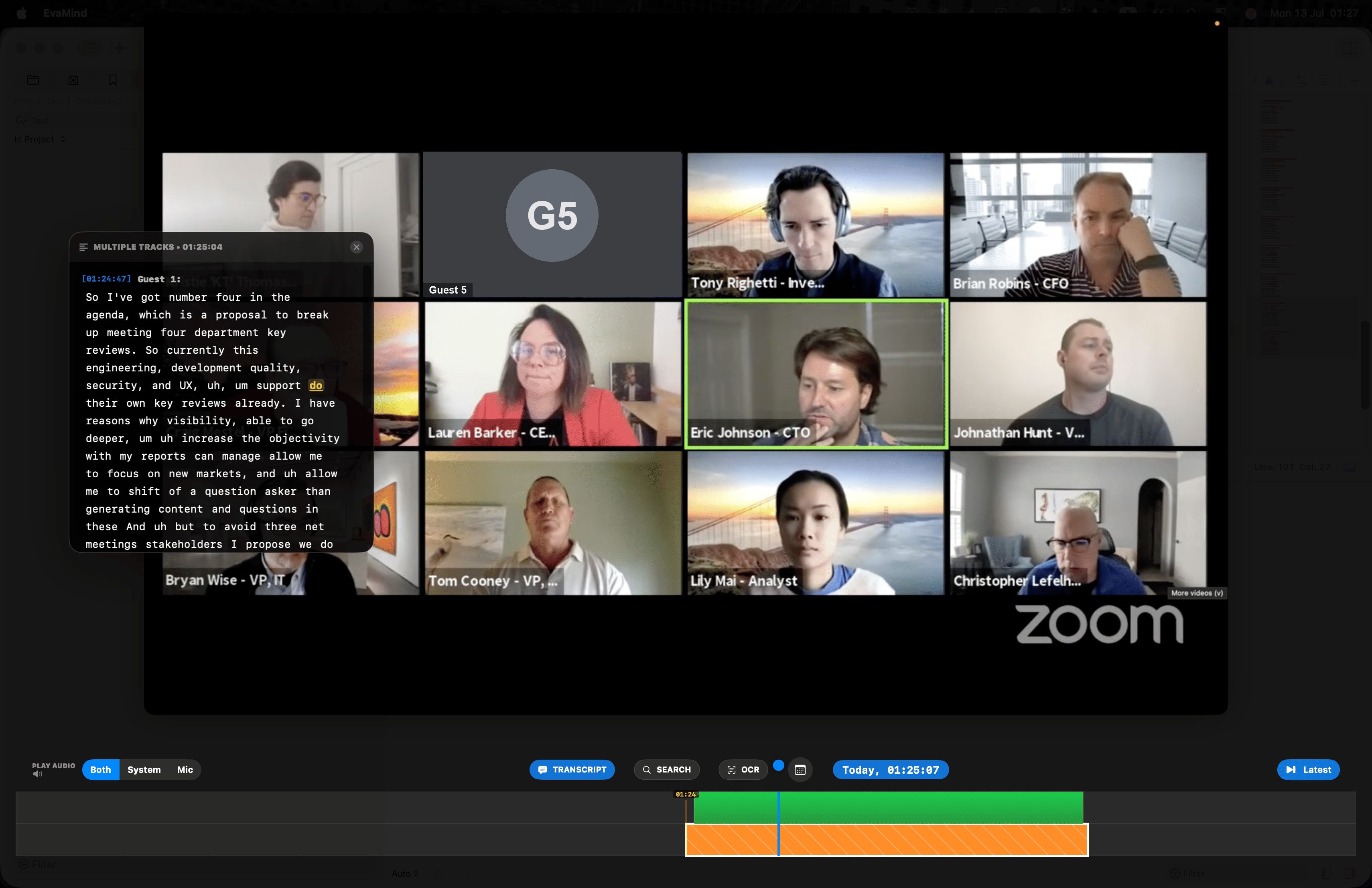
Scrub the timeline to rewind to any moment ever recorded on your screen — with the transcript synced right alongside it.
What Littlebird says about itself
"Littlebird securely stores your data in the cloud, hosted on Amazon Web Services (AWS)."
"While we are relentlessly working to bring more of our processes local, for those who require local-only systems, Littlebird might not be the right fit for you at this moment." — from Littlebird's own privacy page.
Recordings and transcripts are processed and stored locally on your device by default — not something you have to configure or request.
EvaMind vs Littlebird
Based on littlebird.ai's public pricing and privacy pages.
| Feature | EvaMind | Littlebird |
|---|---|---|
| Where data is stored | ✓ Local, by default | Cloud (AWS) |
| Local-only use supported | ✓ | Not currently, per their own privacy page |
| Pricing | $10 / month flat | $17–$100+ / month, tiered by usage credits |
| Free trial | ✓ 7 days, no card required | 14 days, on the paid Plus tier only |
| Microphone + system audio | ✓ | ✓ (during meetings) |
| Platform | macOS | Mac, Windows, iOS, Android, Web |
Verified against littlebird.ai/pricing and their privacy page in August 2026. Plans listed: Basic $0, Plus $17/mo billed annually ($20 monthly), Power $42/mo annually ($50 monthly), Pro from $100/mo. The 14-day trial applies to paid tiers.
Built local from the ground up
Your recordings never leave your Mac
Screen captures, audio, and transcripts are written to your own disk and stay there. The app talks to the network for exactly two things: signing in to your subscription, and a one-time download of the AI models it then runs locally. Your content is not part of either.
One flat price
No usage credits to track or run out of. $10/month covers everything, with a 7-day free trial to try it first.
Search what you saw and heard
One search bar covers everything on screen and everything said out loud — down to the second.
Auto-transcription, included
Every word spoken is instantly transcribed and searchable — no image-generation add-ons or credit tiers to unlock it.
Rewind and replay — transcript synced to the second
Drag the timeline back through anything you've watched or heard, with the transcript following right along.
Drag the timeline back to any second and the transcript jumps with it — instantly.
Common questions about Littlebird
Does Littlebird store data locally or in the cloud?
Littlebird's own privacy page states: "Littlebird securely stores your data in the cloud, hosted on Amazon Web Services (AWS)" and adds that "for those who require local-only systems, Littlebird might not be the right fit for you at this moment." EvaMind processes and stores recordings locally on your device by default.
Is EvaMind cheaper than Littlebird?
EvaMind is a single $10/month plan after a 7-day free trial. Littlebird's paid tiers range from about $17/month to $100+/month depending on usage credits, on top of a limited free tier.
What is Littlebird?
Littlebird is an AI assistant that monitors your screen and listens during meetings to generate notes and answer questions about your work, with data processed and stored in the cloud on AWS.
Keep your history on your own Mac
Local by default, one flat price. Start your free trial today.
Get EvaMind for Mac